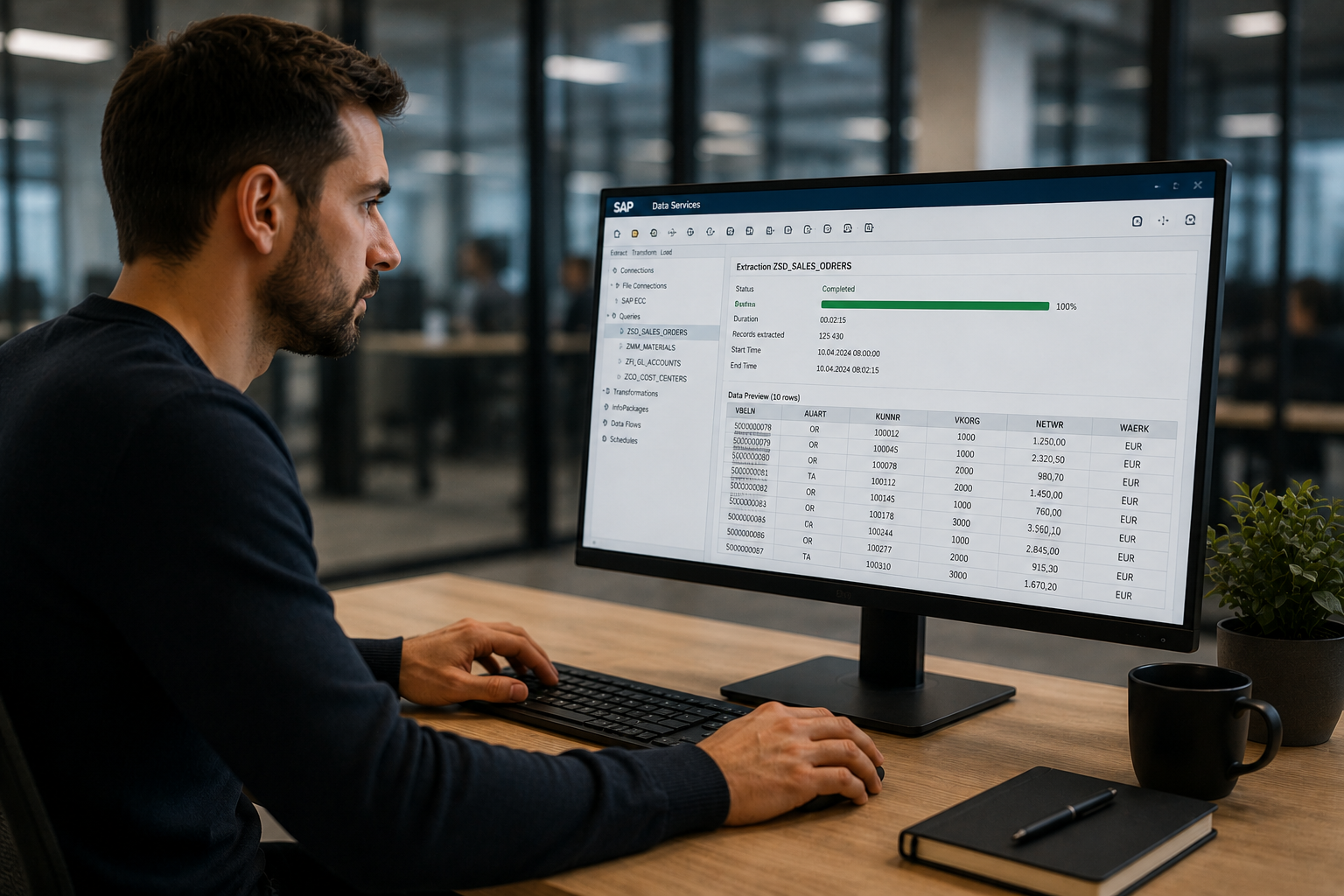
RPA (Robotic Process Automation) is software that carries out repetitive computer tasks for you. Applied to SAP, it loads data in bulk from Excel, updates it and extracts it, without users re-keying every line. Process Runner, distributed by Mycène, does it with no code and nothing installed on the SAP server.
1/ What is a Robotic Process Automation tool?
A Robotic Process Automation (RPA) tool is software built to automate computer tasks that used to be carried out by hand. There are many RPA tools on the French market, but few of them specialize in SAP.
- Bulk data transfer and loading
- Automation of repetitive manual processes
- Creation of secure workflows
- Automatic execution of business applications
2/ Why choose an RPA tool?
Speed up business processes and cut the time spent on time-consuming actions.
Make the automatic transition between existing applications and target ones easier.
Focus on higher value work, thanks to automation.
Avoid data entry errors in the business applications you automate.
Schedule runs outside business hours to use the most convenient time slots.
3/ Process Runner: the benchmark SAP RPA tool in France
insightsoftware Process Runner is the benchmark SAP RPA tool on the French and European market. Built to automate business processes in SAP environments, Process Runner makes data management easier by automating the loading and extraction of data between SAP and Excel.
Technical characteristics
- Transactions run automatically for bulk loads from Excel into SAP: creations, updates and deletions
- Extraction from SAP into Excel, for day-to-day SAP work and for migration projects
- Scheduled unattended runs, with email notification and process chaining
- Long text handling (BAPI extraction, loading through a transaction)
- Nothing to install on the SAP server: a single executable file on the client workstation
- No transport required between the Dev, QA and Prod environments
Process Runner, distributed by Mycène
Mycène is the authorized VAD for Process Runner (insightsoftware) in France and French-speaking Europe. Our experts support you from rollout through to level 3 support.
How to choose RPA software?
RPA software should be judged on a few concrete criteria. Set them out before comparing offers:
- Scope. Do you want to automate several applications, or mostly your SAP processing?
- Who uses it. Can a business user build and run a scenario, or do you need a developer?
- Impact on SAP. Does the tool require development or a transport between your environments?
- Traceability. Can you replay, schedule and audit what was loaded?
- Time to get started and the support available in French.
General-purpose RPA or SAP-dedicated RPA?
There are two families of tools. General-purpose RPA drives several applications by reproducing actions on screen: vendors such as UiPath, Automation Anywhere or Microsoft Power Automate belong to this category. SAP-dedicated RPA, like Process Runner, relies on the SAP objects themselves to load and extract data from Excel.
| Criterion | General-purpose RPA | SAP-dedicated RPA (Process Runner) |
|---|---|---|
| Main target | Several applications | SAP transactions and data |
| Starting point | A robot to build | An Excel file and more than 2,000 ready-to-use scenarios |
| Installation on SAP | Depends on the tool | Nothing on the SAP server, no transport |
| User profile | Often a technical profile | Business user |
The two approaches complement each other: the choice depends on the scope to automate. For a project centred on SAP, a dedicated tool avoids building every robot.
Three ways to load data into SAP in bulk
The choice rarely comes down to features, but to who can use them and how quickly. Here are the three approaches we meet at our clients.
| Criterion | Manual data entry | Custom development (ABAP) | Process Runner |
|---|---|---|---|
| Skills required | Business user | ABAP developer | Business user |
| Time to deploy | Immediate | Several weeks | Less than a day |
| Transport between environments | Not applicable | Required (Dev, QA, Prod) | None |
| Volume handled | A few rows | Unlimited | Unlimited, driven from Excel |
| SAP integrity checking | ✗ | To be developed | ✓ transaction constraints |
| Scheduled execution | ✗ | To be developed | ✓ outside business hours |
| Compatible with SAP ECC and S/4HANA | Not applicable | To redo at every version upgrade | ✓ |
See Process Runner in action
Choose the level of exchange that suits you: watch a use case, browse the solution sheet, or talk to an expert.
What are the use cases for RPA in SAP?
Process Runner covers the FI/CO, MM, SD, HR/HCM, PP, QM, PM, SCM and CRM modules, with more than 2,000 ready-to-use scenarios. Here are the uses we meet most often.
- Master data updates : change hundreds of material or business partner records from a controlled Excel file.
- Repetitive accounting entries : load journal entries or fixed assets in bulk, with checks before posting.
- Data load before an S/4HANA migration : clean and load master data in batches, then replay the corrections after go-live..
- Regular extractions to Excel : feed tracking spreadsheets with no custom development.
- Scheduled processing : run a load outside business hours, with a replayable scenario.
RPA and SAP GUI: how does it work?
RPA applied to SAP reproduces what a user would do in SAP transactions, without fatigue or keying errors. Process Runner works with all versions of SAP GUI. The software lives on the client workstation and works in real time on production data: nothing is installed on the SAP server and no transport is needed between environments. It is compatible with SAP ECC and SAP S/4HANA.
In practice, business teams prepare an Excel file, choose a scenario and load the data. Integrity checks are applied before writing to SAP, which avoids fixing things afterwards.
Free RPA or a dedicated tool: which to choose for SAP?
Free solutions exist for simple uses. To load SAP data in bulk, with integrity checks and replayable processing, a dedicated tool is safer: it avoids developing and maintaining scripts at every SAP change. Compare the cost of the tool with the correction time you avoid, and test it on a real case before committing.
RPA and AI agents (Joule): two complementary approaches
SAP is developing AI agents with Joule. They suit interpretation tasks: reading a document, comparing information, answering a question. RPA remains the right choice for bulk processing that must give the same result at every run. Our article RPA or AI agents in SAP: which to choose in 2026? compares the two, task by task.