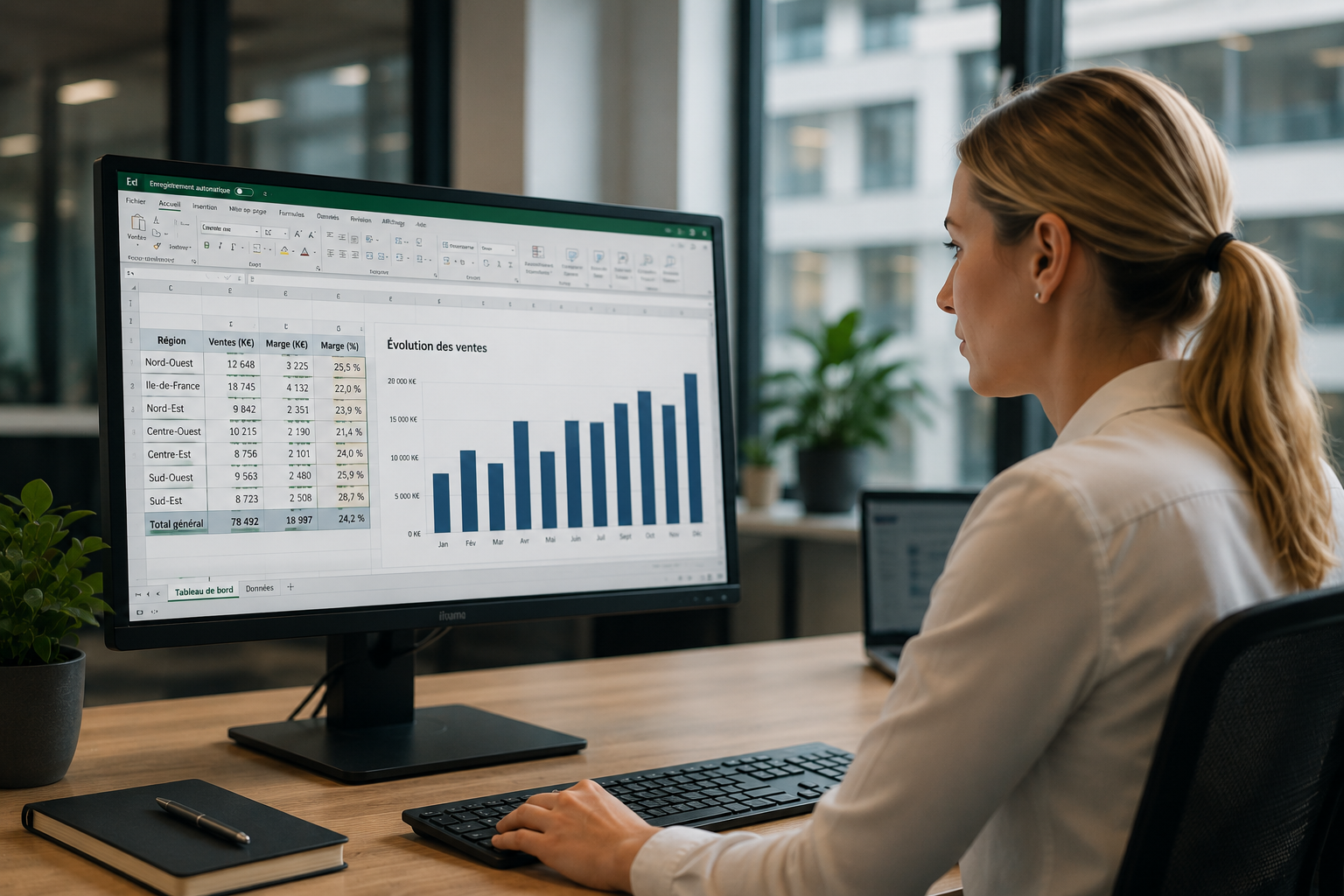
1/ What is SAP reporting?
Reporting means circulating data. It takes the form of software that lets you watch the results of your activity at a precise point in time, most often through charts and dashboards of your own.
Data is collected from SAP, then summarized visually to make it ready to analyse. SAP reporting can cover all kinds of data, financial, strategic, operational or analytical, through a multi-criteria search system.
It is a decision support tool : presenting performance indicators clearly makes them far easier to analyse and to act on.
2/ What reporting brings to a company
A tool everyone agrees on
The goal of reporting is to turn the raw data held in your business applications into visuals that everyone can understand and use. It is the end of meetings where each participant brings their own contradicting figures. A strong reporting tool lets every colleague speak the same language.
A company-wide view
The reporting tool gives concrete material to measure how effective your actions have been:
- It can bring out gaps between forecast and actual
- It can assess how far projects have progressed
- It can highlight the strengths and the weaknesses of teams
- It identifies the obstacles met, and the correlations between parameters
3/ InsightZAP, the SAP certified reporting tool
InsightZAP lets you create and edit reports directly inside SAP, with no line of code. Unlike every other reporting tool, InsightZAP runs directly in your SAP production system: data is always accurate, up to date and synchronized in real time.
Why use InsightZAP?
- Valuable time saved: your reporting takes minutes instead of days or weeks
- Work straight inside SAP: real-time data, actions carried out in the production database
- Risks kept low: your data protected by the SAP authentication and audit tools
- Money saved: development costs cut by more than 90%
- Collaboration: SAP data shared with your team or your suppliers
InsightZAP, distributed by Mycène
Mycène is the authorized VAD for InsightZAP (D'Pros) in France and French-speaking Europe.
My InsightZAP demonstration InsightZAP, the SAP reporting tool without ABAP, distributed by MycèneThree ways to get an SAP report
The real question is not whether the report can be built, but how long it takes to exist and which data it works on.
| Criterion | Extraction into Excel | ABAP development | InsightZAP |
|---|---|---|---|
| Time to obtain | Immediate, but to redo every time | Several days | A few minutes |
| Data freshness | Frozen at the moment of extraction | Real time | Real time, in the production database |
| Skills required | Business user | ABAP developer | Business user |
| Dependence on the IT department | None | Total | None |
| Automatic distribution | ✗ | To be developed | ✓ |
| Mobile viewing | ✗ | To be developed | ✓ automatic Fiori conversion |
| Installation outside SAP | Not applicable | ✗ | ✗ everything stays inside SAP |